How to Buy a Domain in Bangladesh: Names, Prices and Connecting Your Store
Choosing between .com, .com.bd and .shop, where to buy, current .com.bd prices, and how to connect a domain to your online store step by step.
 DokanKit Team
3 min read
বাংলায় পড়ুন
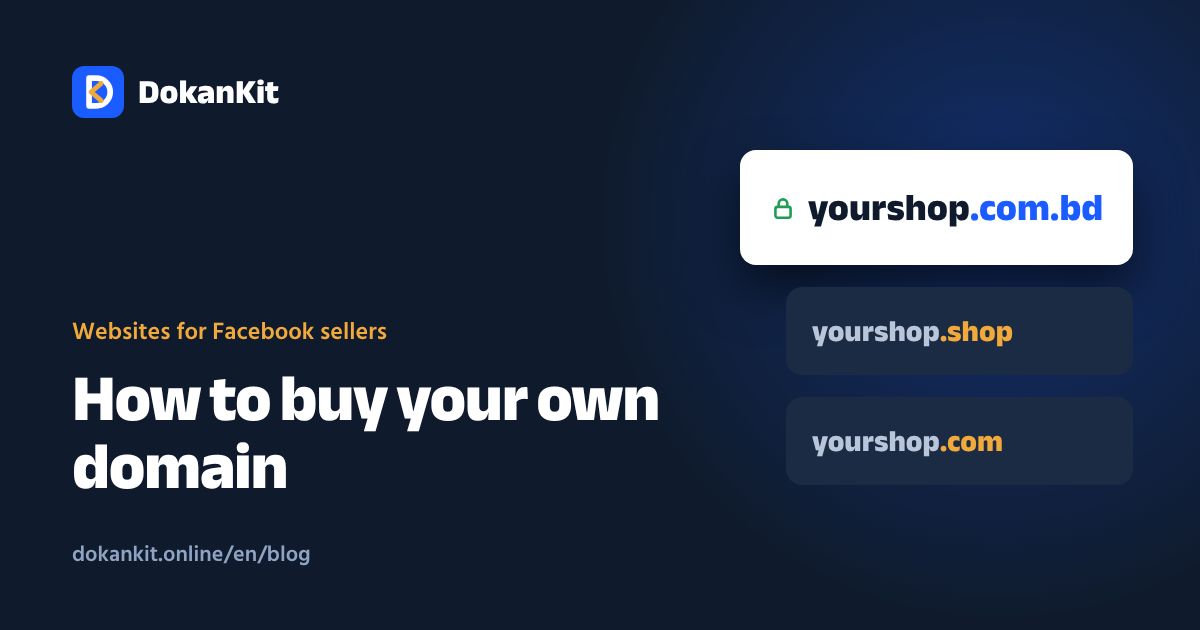
A domain is your store's address, like yourshop.com. Your own domain is easier for customers to remember and keeps your brand from sitting under another company's name. Buying one is simple once you know a few rules.
How to choose a good name
- Short: under 15 characters if possible
- Easy to say: nobody should misspell it after hearing it on the phone
- No hyphens or numbers:
your-shop-24is hard to remember - Match your Facebook page name
- Check first: make sure no one else uses the name as a brand or trademark
Which extension to pick
| Extension | Best for | Notes |
|---|---|---|
| .com | Everyone | Best known; good names are taken |
| .com.bd | Bangladeshi businesses | Local identity, registered through BTCL |
| .bd | Bangladeshi brands | Shorter, slightly pricier |
| .shop / .store | Online stores | Names are easy to find; first year often cheap |
| .online | Any online business | New and widely available |
What it costs
- .com.bd: after BTCL's price cut in January 2026, 700 BDT to register and 1,020 BDT per year to renew, plus VAT
- .bd: 1,280 BDT to register and 1,600 BDT to renew, plus VAT
- .com: usually between about one and two thousand taka a year depending on the seller
- .shop, .store, .online: often discounted in year one, but renewals can be much higher
Always check the renewal price. Many sellers advertise a tiny first-year price and charge several times more the next year.
Where to buy
- .com.bd / .bd: BTCL or its authorised Bangladeshi resellers
- .com, .shop and others: Bangladeshi hosting companies (pay in taka or bKash) or international registrars (pay in dollars by card)
Wherever you buy, make sure:
- The domain is registered in your name, not the developer's
- You have the login to the domain control panel
- You can edit DNS records yourself
Connecting a domain to your store
On most platforms the process is:
- Enter your domain in the store admin's custom domain section
- The platform gives you a CNAME record
- In your domain panel, add that record for
@andwww - The domain goes live in a few minutes to a few hours
- SSL (https) is usually issued by the platform automatically
Common mistakes
- Forgetting renewal; turn on auto-renew so nobody else grabs your name
- Registering the domain in a developer's name
- Long or hard-to-spell names
- Changing old links so your Facebook posts stop working
Do you need a domain on day one?
No. Start on the platform's address (for example yourshop.dokankit.online) and add your own domain when the business is steady. The old address keeps working.
DokanKit lets you connect your own domain from the admin. On the Growth plan, we buy a .shop, .online or .store domain for your first year. For full costs, read ecommerce website cost in Bangladesh.