How to Create an Ecommerce Website in Bangladesh: Step-by-Step Guide
Build your own online store without coding: choosing a platform, adding products, delivery charges, cash on delivery, bKash, courier integration and your first test order.
 DokanKit Team
3 min read
বাংলায় পড়ুন
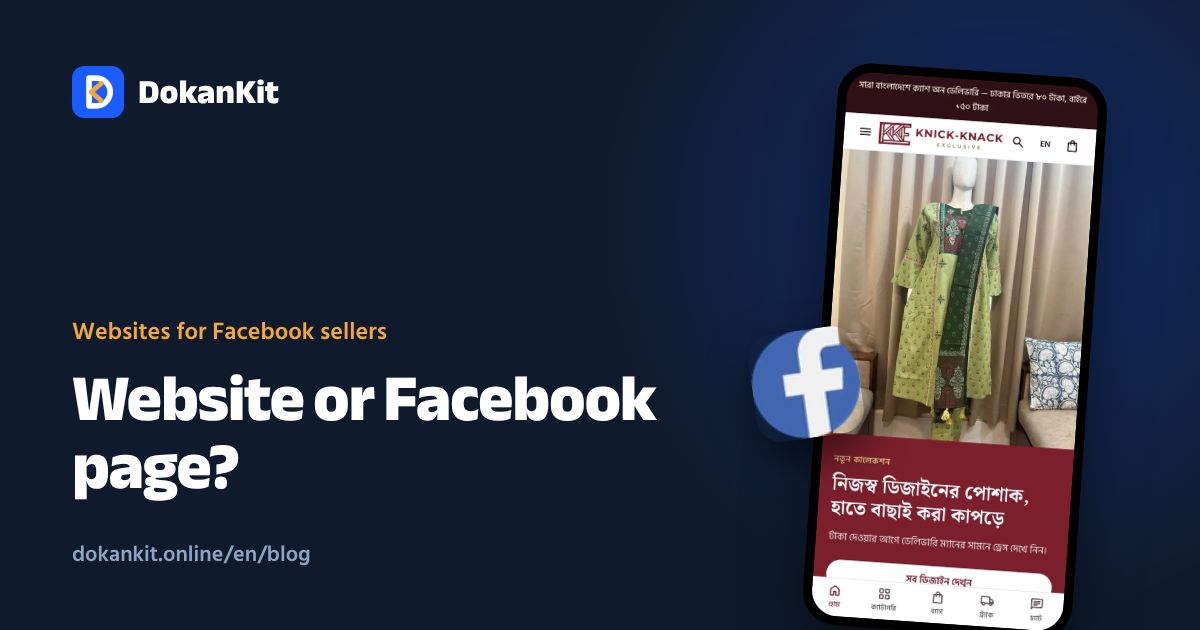
An ecommerce website is more than a nice page. It has to show products, take orders, collect money and send parcels. Here is how to set all four up in Bangladesh without writing code.
Step 1: Choose how to build it
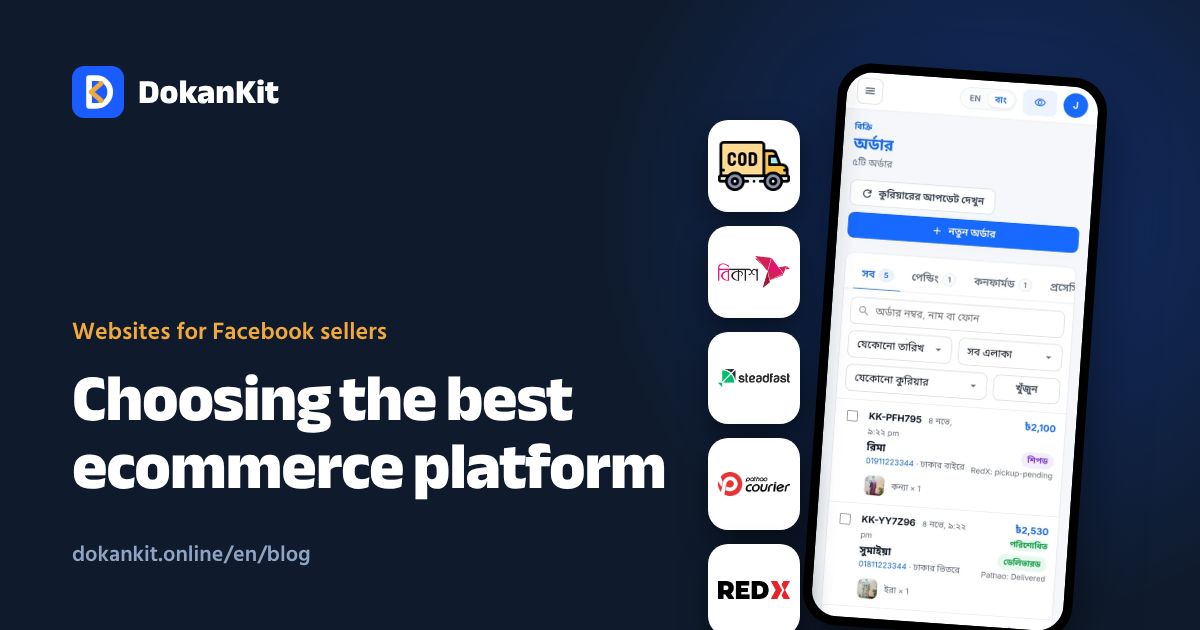
There are three routes: hire a developer, set up WordPress and WooCommerce yourself, or use a ready platform. For small and medium sellers, a ready platform is the fastest and cheapest. Compare them in ecommerce website cost in Bangladesh.
When choosing a platform, check:
- Cash on delivery and bKash support
- Integration with Steadfast, Pathao and RedX
- Bangla for both the store and the admin
- Managing orders from your phone
- Whether it takes a commission on each order
Step 2: Store name and address
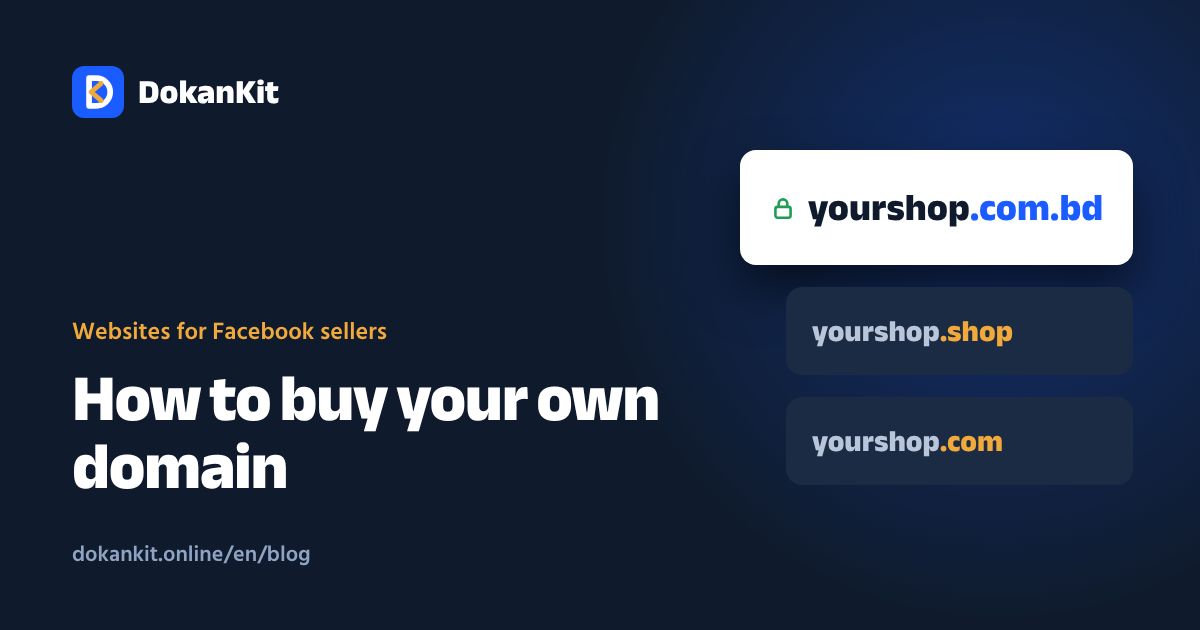
Pick a name and start on the platform's subdomain (for example yourshop.dokankit.online). Add your own domain later; see how to buy a domain.
Step 3: Choose a design
Pick a theme that fits your product: large images for fashion, warm colours and a one-page order for food. Change the logo, colours and banner, and check everything on a phone first.
Step 4: Add products
For each product, add:
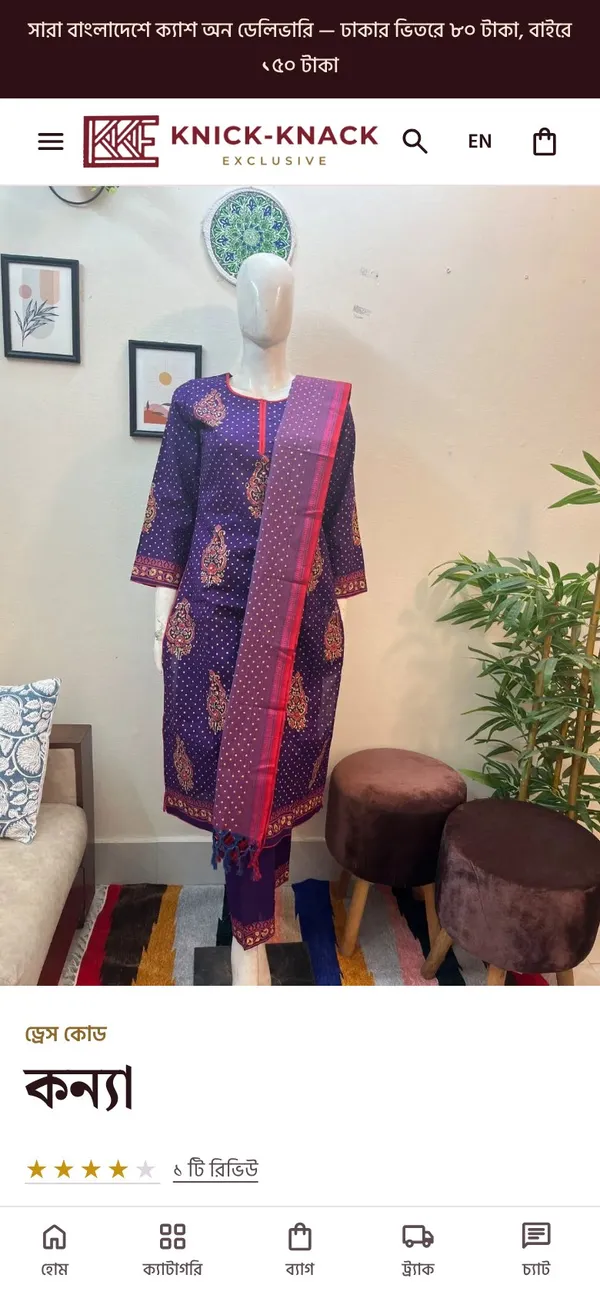
- A clear name: "Red cotton three-piece, hand embroidered"
- 3–6 photos: front, back, close-up, worn
- Price and old price if discounted
- Sizes or colours as separate options with their own stock
- Description: fabric, measurements, weight, care
- Weight, if delivery charges depend on it
Step 5: Delivery charges and areas
Set charges for inside Dhaka, the suburbs (Savar, Gazipur, Narayanganj) and outside Dhaka. The best setup lets the customer choose district and thana at checkout so the charge is set automatically, with no chance of picking the cheaper option by mistake.
Step 6: Payment rules
- Keep cash on delivery on
- Ask for a bKash advance for orders outside Dhaka or pre-orders
- Show your bKash number; customers send money and enter the TrxID
Step 7: Connect your courier
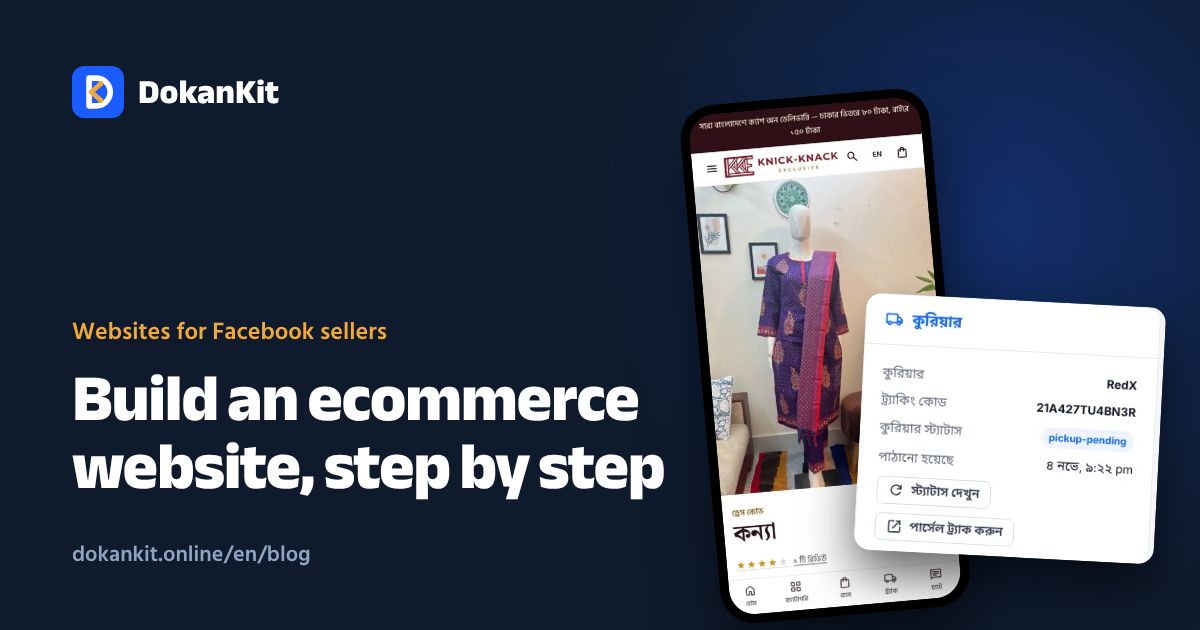
Get your API key from the courier's merchant panel and add it to your store. Parcels can then be booked in one click from the order page, with delivery status updated automatically.
Step 8: Essential pages
- Contact: phone, WhatsApp, Facebook
- Delivery and return policy
- Terms and privacy policy (also needed for DBID and payment gateways)
Step 9: Turn on tracking
Connect Facebook Pixel, Conversions API and Google Analytics or Tag Manager so your ads learn who actually buys.
Step 10: Place a test order
Order from your own phone. Check the product choice, address, delivery charge, admin notification and courier booking. If everything works, share the link on Facebook.
Launch checklist
| Task | Done? |
|---|---|
| At least 10 products with photos and prices | ☐ |
| Delivery charges for every area | ☐ |
| bKash number and advance rules | ☐ |
| Courier API connected | ☐ |
| Contact and policy pages | ☐ |
| Pixel on | ☐ |
| Test order from a phone | ☐ |
Do not wait for perfect. Launch with ten good products and improve a little every week.
DokanKit covers steps 2 to 9 in one place, in Bangla and English. Enter a name and address to create your store, and we help with the first setup and product upload. Still comparing? Read best ecommerce platform in Bangladesh.