Website vs Facebook Page for Online Business: Which Do You Need?
The pros and cons of selling only through a Facebook page, when a website becomes necessary, and how Bangladeshi sellers use both together to sell more.
 DokanKit Team
3 min read
বাংলায় পড়ুন
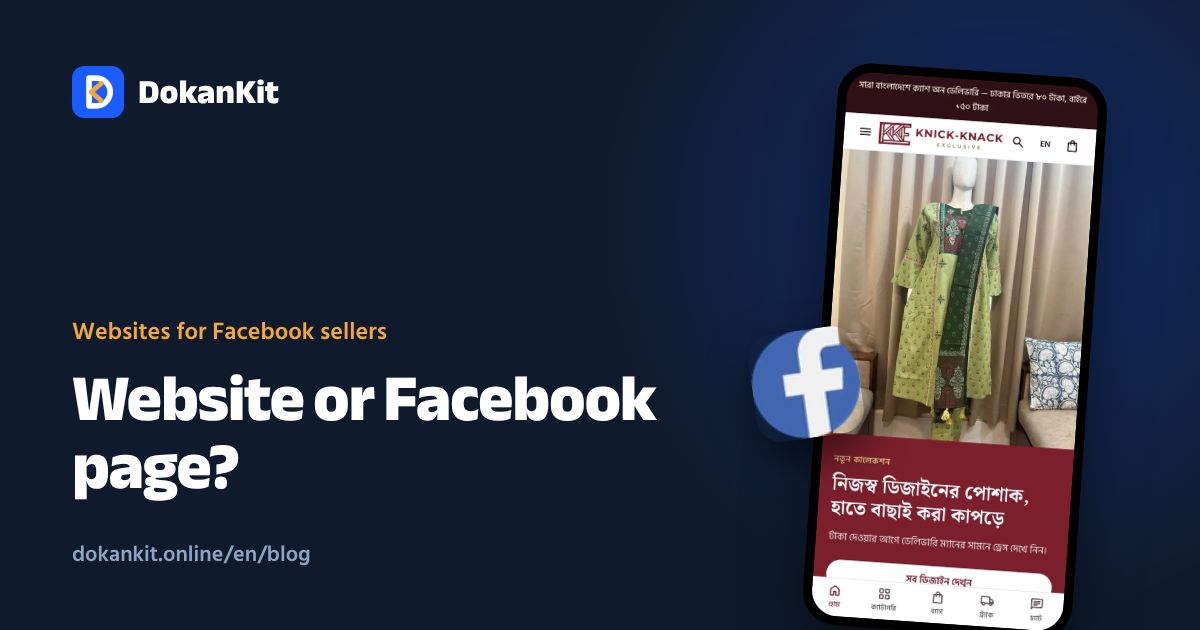
Hundreds of thousands of businesses in Bangladesh run only on Facebook. So why bother with a website? The honest answer is that it is not one or the other. They do different jobs.
What a Facebook page does well
- Free and fast: open today, post today
- Your buyers are already there: most online shoppers in Bangladesh use Facebook
- Direct conversation: Messenger questions and live product videos
- Sharing and reviews: one happy customer shows ten friends
Where a page-only business struggles
- Orders get lost in the inbox and must be written down by hand
- The same questions again and again: price, delivery charge, size
- Total dependence on one account: a hack, restriction or disabled ad account stops the business
- Unclear ad results: hard to know which ad produced real orders
- Not found on Google: people searching for your product rarely find a page
Side-by-side comparison
| Task | Facebook page only | Page + website |
|---|---|---|
| Reaching new buyers | Good | Good, plus Google |
| Taking orders | Inbox, by hand | Customer fills the form |
| Delivery charges | Explained each time | Calculated from the address |
| Courier booking | Retype details | One click |
| Orders at night | Lost if you sleep | Saved automatically |
| Measuring ads | Hard | Clear with Pixel |
| If the page is restricted | Everything stops | Store and customer list stay |
| Cost | Free | Small monthly fee |
When a page alone is enough
- You have just started and get a few orders a week
- You sell one or two products at one price
- You confirm every order by phone anyway
When you need a website
- More than 5–10 orders a day
- Many sizes or colours and stock is hard to track
- You spend money on ads every month
- A team shares the order work
- Fake orders or returns are rising
Using both together
- Put product page links in your posts and ads
- Reply to inbox questions with a link: "Order here"
- Add a "Shop now" button to your page
- Turn on Pixel and Conversions API so Facebook learns who buys
- Show customer reviews on the website too
Facebook is the street outside your shop. The website is the shop. People stop on the street, but they buy inside.
For a feature checklist, read website for Facebook page sellers. DokanKit gives your page a store without coding, and we help with the first setup.